 LedgerWorks
Real CAD, drafted for you.
LedgerWorks is an AI drafter that works in a real CAD canvas. It reads your sketch, agrees the plan with you, draws it live and hands you sheets you can print, send and build from once they’re reviewed.
Sketch to drawing
You bring the job the way you already describe it. The drafter does the CAD.
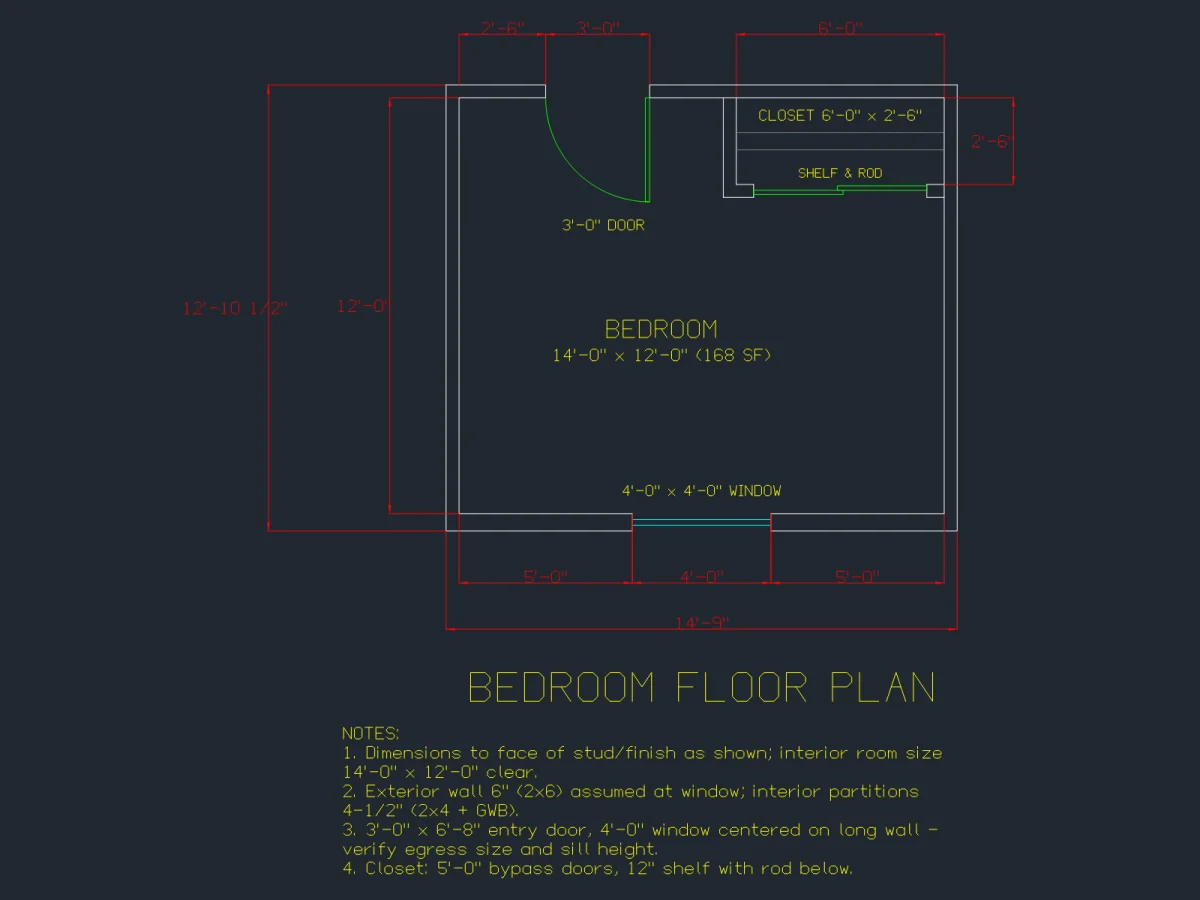
A photo or a sentence
Photograph a paper sketch, or type what you need: “a 12' x 14' bedroom with a closet.” Sizes you write on the sketch are the sizes it uses.
The plan comes first
Before drawing, the drafter lists the rooms and sizes it understood, flags anything it had to estimate, and shows the credit cost. Nothing is drawn until you confirm.
Drawn live in real CAD
Watch walls, doors, windows and dimensions appear in a CAD canvas right in your browser. No install, no plugin.
Refine by chat or by hand
Say “make the bath 9 feet wide” or grab the wall and move it yourself. Both edit the same drawing.
Select it and ask
Pick a wall, door or dimension in the canvas and ask about it, or ask for a change to just that piece.
Next-step suggestions
When a drawing is done, the drafter suggests what usually comes next, like a sheet, a section or a schedule. One tap to ask for it.
Permit-style sheets
Ask for a set and get the sheets a building department expects to see, in the order they expect them.
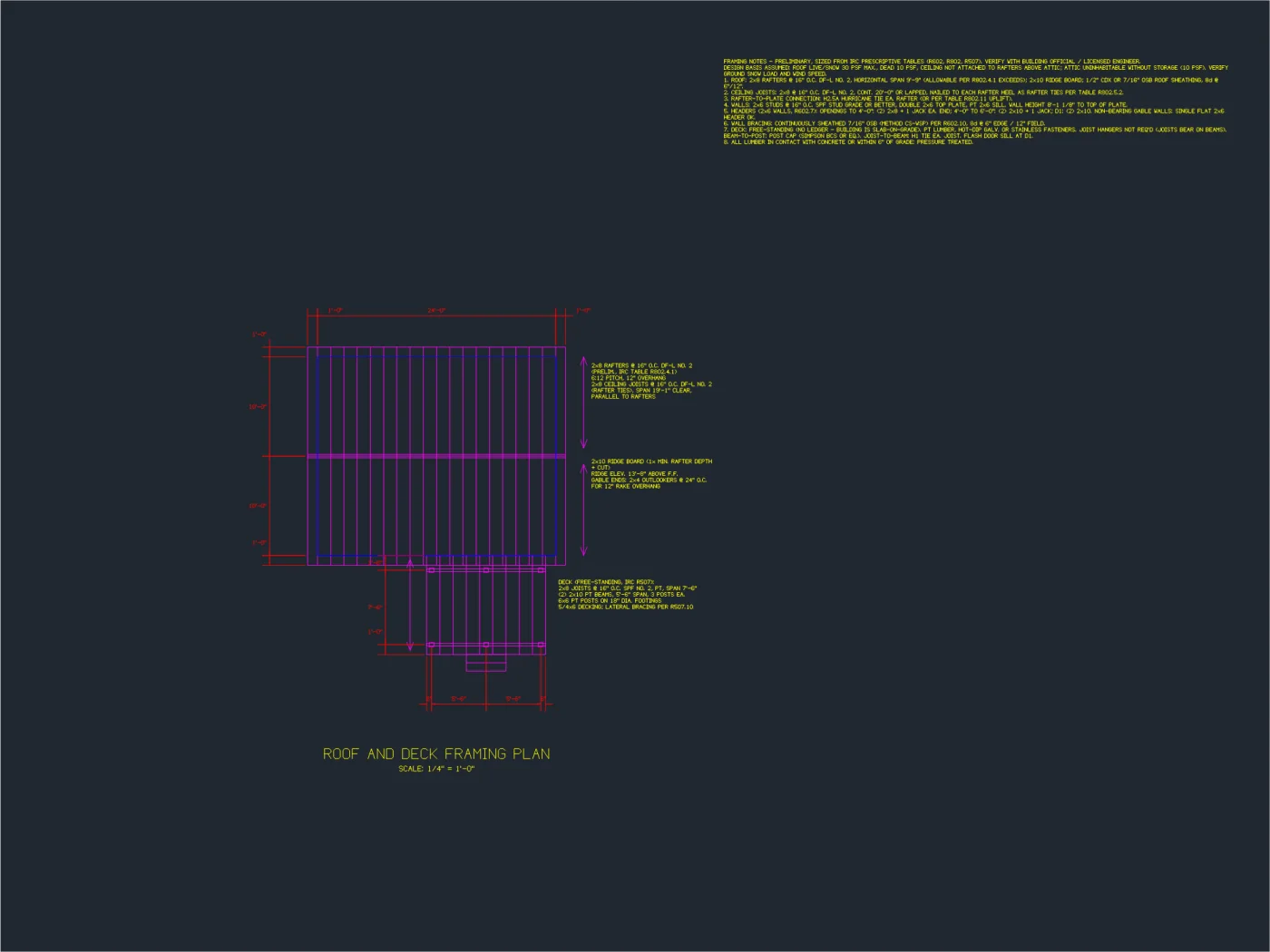
The whole set
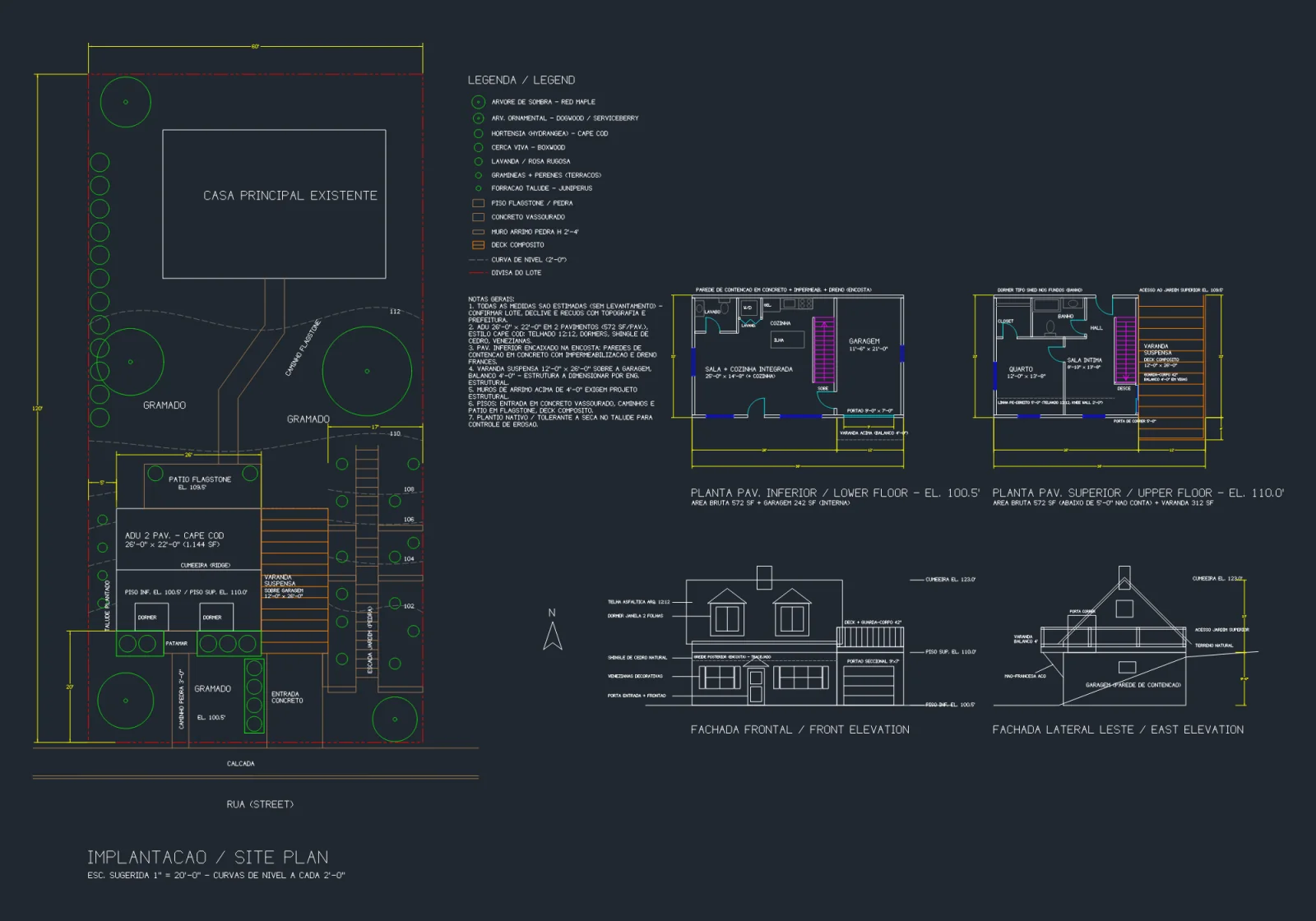
Cover with code and design criteria, site plan, foundation, floor plans, framing, elevations, sections, details, and door and window schedules.
Framing from IRC tables
Joist and rafter sizes and spacing are picked from the IRC prescriptive tables and written on the framing sheet with their notes.
Sheet navigator
Every sheet has its number and title (A-102, S-102…). Jump straight to the one you need.
Jurisdiction settings
Set your jurisdiction once and it feeds the cover sheet’s code and design criteria.
Project info on title blocks
Project name, address and sheet details fill the title block on every sheet.
US conventions
Feet and inches (12'-6"), architectural scales (1/4" = 1'-0"), and Letter, Tabloid and ARCH D sheets.
Labeled preliminary. Sheets carry a preliminary note. Your building department or a licensed engineer may need to review and stamp them before construction.
Out the door
Print it, email it, or hand it to whoever runs CAD in your office.
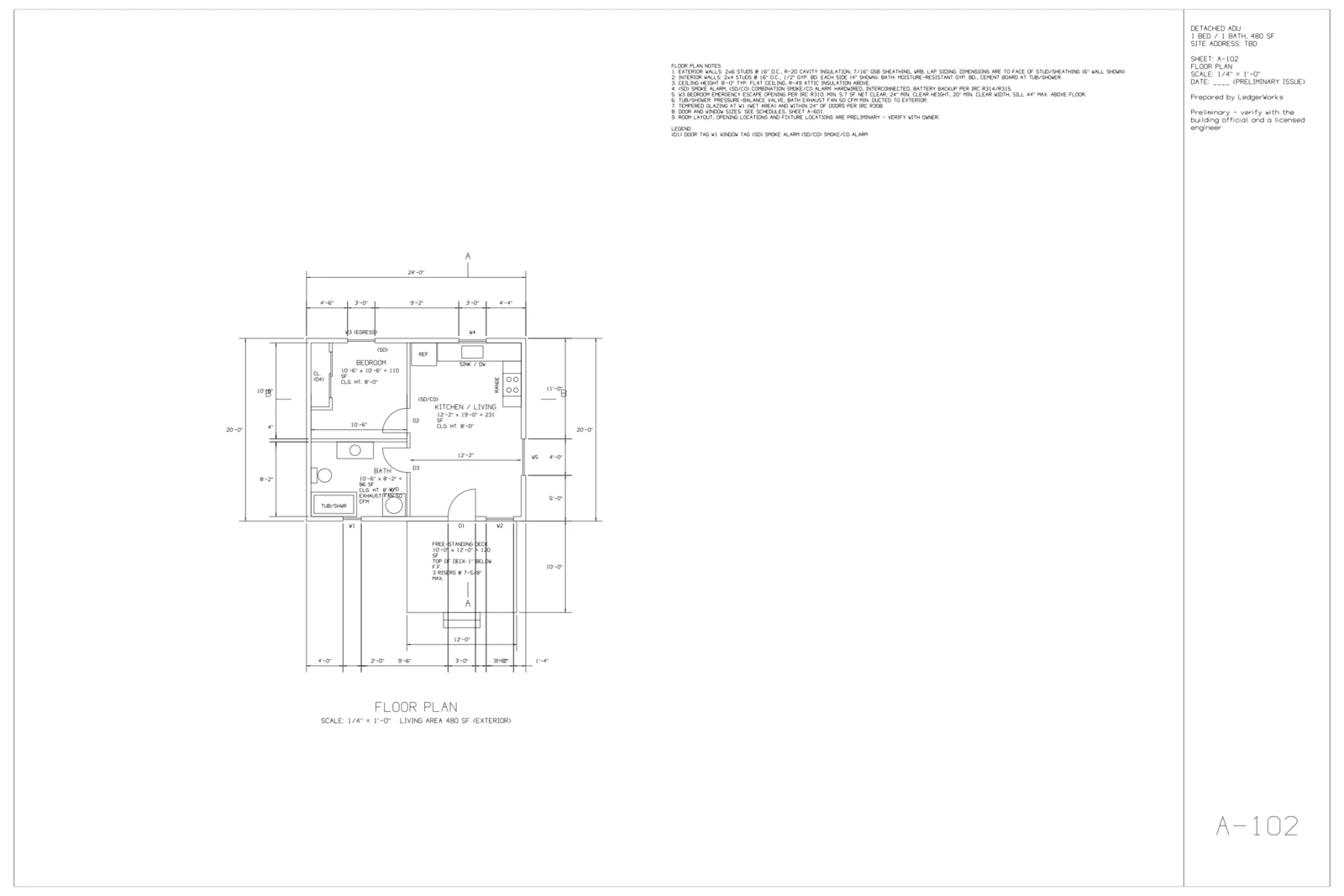
PDF in black and white
A clean black-and-white PDF with a standard title block and room for your stamp, at the sheet size you pick.
License · Phone
Detached ADU
Floor plan
1/4" = 1'-0"
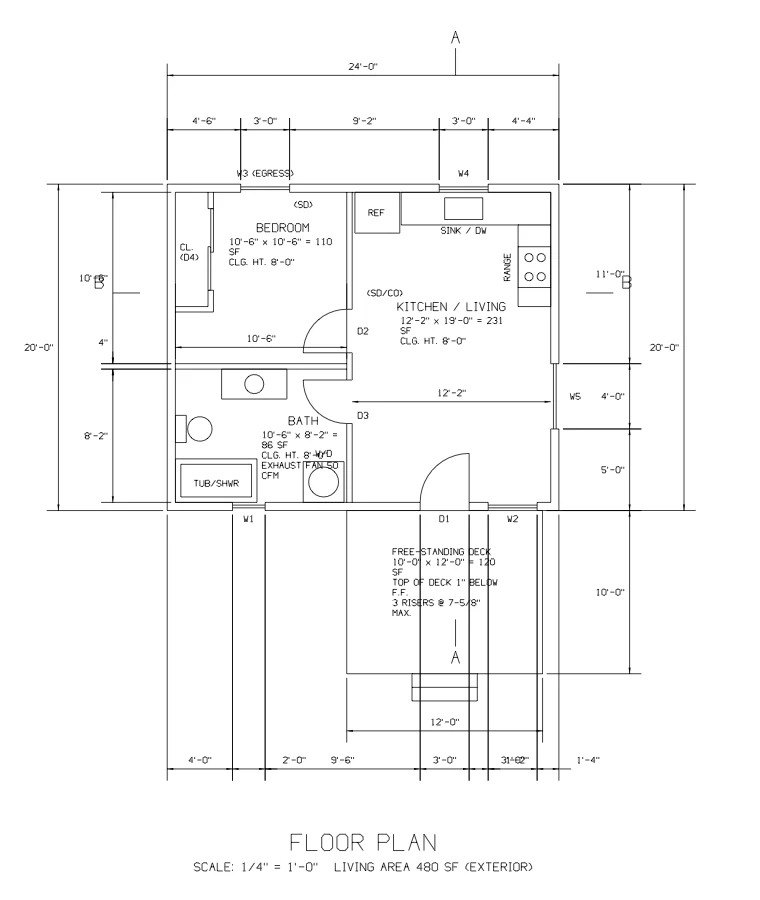
DXF for your CAD
Download a DXF to open in AutoCAD or any CAD program that reads DXF.
ProYour company on every sheet
Add your logo, license number and phone once. They print on every PDF.
ProStay in control
You can always see what changed, what it cost and how to take it back.
Versions and undo
Every change the drafter makes is saved as a version. Undo its last change in one click.
Drawing language
Labels and notes in English, Portuguese or Spanish, set per drawing.
Credits you can see
Each request shows its cost before it runs. If a request fails because of us, the credits come back.
Sign in with Google
No new password. Your projects stay in your workspace.
Same plan, three languages
Take back the last change
Each drafter change is its own version, so one click takes back exactly that change.
Bring the sketch. We’ll draft it.
Start with 20 free credits, enough to try a few rooms before you spend a dollar.
Sign in with GoogleNo card